



Store Type
Multi-Store Landing Pages
A multi-store landing page is one branded entry point that links to many stores. Brikl routes visitors from it to the right store automatically once they pick their school, department or division.
What is a Multi-Store Landing Page?
A multi-store landing page is a single branded page that aggregates links to multiple individual stores. Instead of sharing a dozen separate URLs, the organization shares one link. Visitors choose their location, team, or department and are directed to the correct store.
Manage multiple groups under one umbrella: a school district with 15 schools, a county government with multiple departments, or a nonprofit with regional chapters. Each linked store runs independently with its own products, branding, and ordering window, but the landing page ties them together under one roof.
What your store looks like
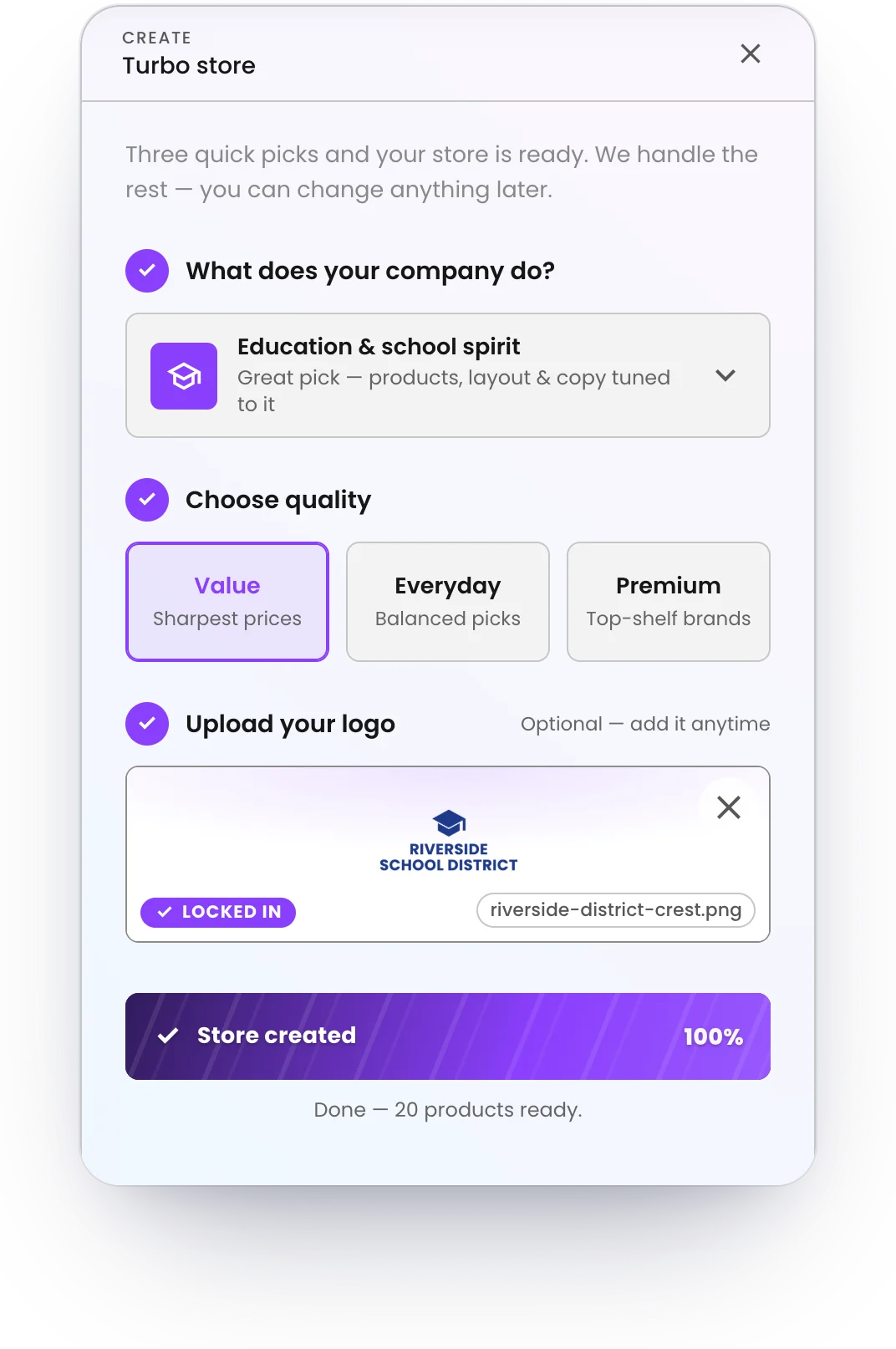
A branded storefront on your own web address, live in ten seconds with Turbo Store. Your logo, your colors, your products — and every order produced on demand and shipped to the buyer.
See live store examples →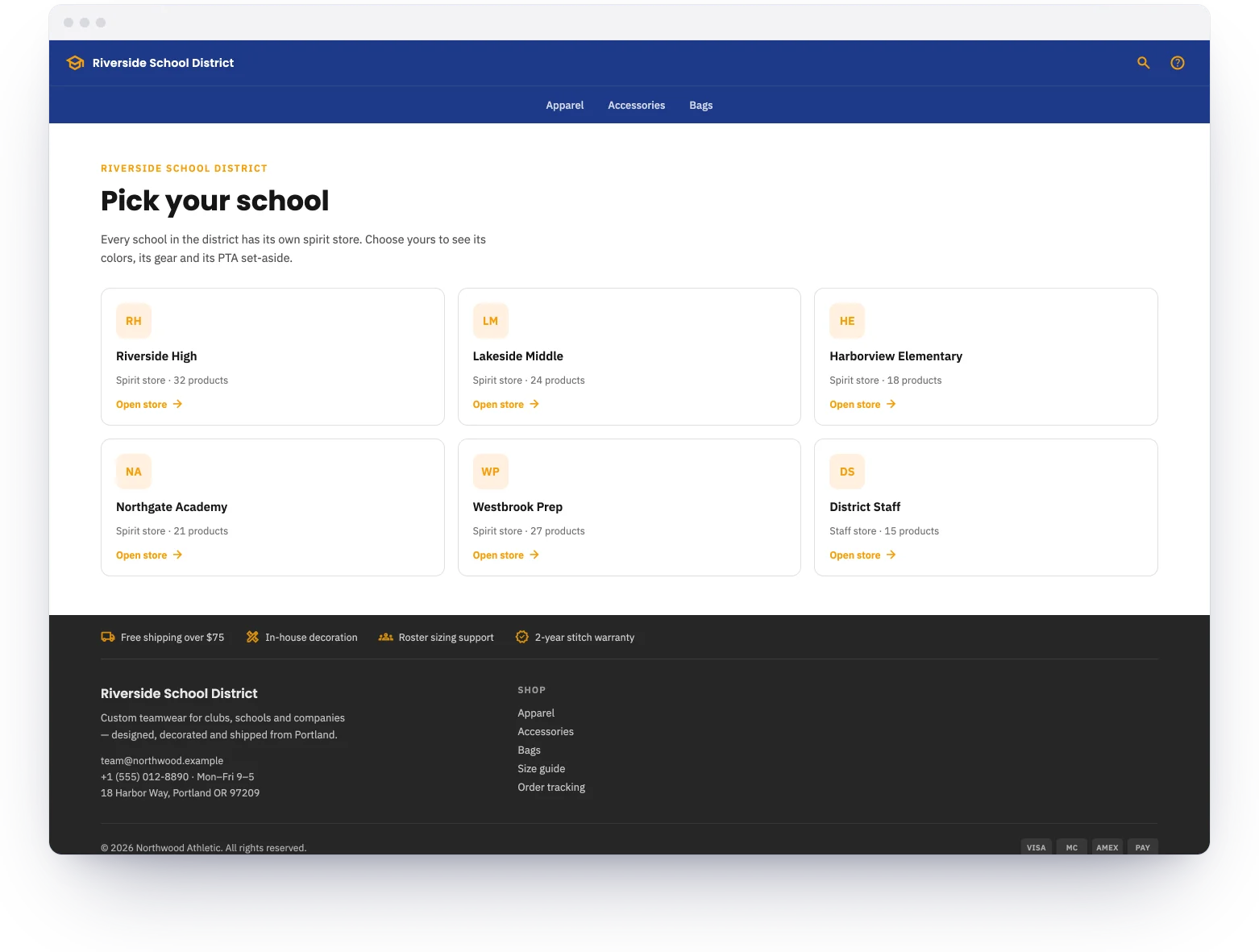
Why Multi-Store Landing Pages Matter
One Link, Many Stores
Share a single URL that routes visitors to the right store. No confusion about which link goes where.
Unified Branding
The landing page carries the parent organization’s branding. Each linked store can have its own sub-brand and product selection.
Search and Filter
Visitors search or browse a directory of stores. Useful when there are dozens or hundreds of linked stores.
Independent Store Management
Each store under the landing page is managed independently. Different products, prices, open/close dates, and order flows.
Scalable Structure
Add new stores to the landing page as the organization grows. No redesign needed — new stores appear automatically.
Simplified Communication
Instead of distributing a different URL for every school, team, or chapter, share one link in newsletters, emails, and social media.
How they find their store
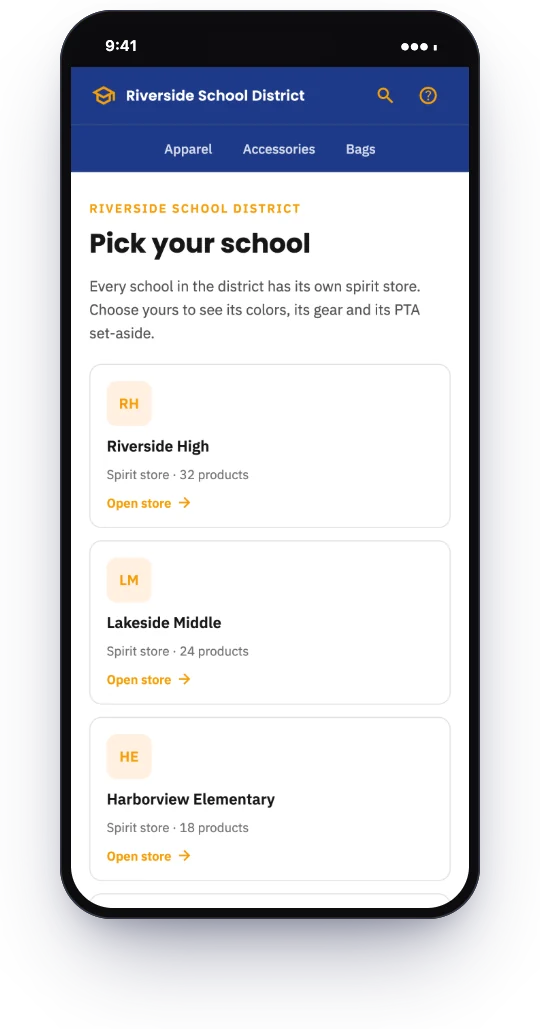
A parent opens the district link, taps their school and lands in that school's store, with its colors, its gear and its PTA set-aside. Every school's orders are produced on demand and shipped to the family — one link for the district, one store per school.
Common Use Cases
- •School districts — one landing page for the district. Each school has its own spiritwear store with unique mascots, colors, and products.
- •Government agencies — county or city departments each have a branded store. The landing page is the single entry point for all employees.
- •Nonprofit networks — regional chapters or affiliates with individual merchandise programs under one parent organization.
- •Large corporate programs — divisions, brands, or business units within one company, each with their own merchandise catalog.
Setting it up
Create the landing page
One page for the district, with its name and crest at the top.
Add a store per school
Each school gets its own store, colors and products — built with Turbo Store in ten seconds.
Set each school's set-aside
Every store carries its own amount for its own PTA, defined once.
Share the district link
Families pick their school. A new school joins the page without a new link.
When the district orders
Back to school
Every school's spirit store opens from the same page, before the first day.
Homecoming and spirit week
A school's limited design goes up in its own store without touching the others.
Winter sports and clubs
A team or club store added under its school, in the school's colors.
Graduation
Class-of gear for each high school, ordered by families from the same landing page.
Live example
See a multi-store landing page built on Brikl
 Visit Boys & Girls Clubs of St. Lucie County →
Features that power this store type
The Brikl capabilities users lean on most for this kind of store.
Create a multi-store landing page
One link for your entire organization. Each store runs independently, all connected from one page.