


BlogProduct
A Store in Ten Seconds: What Turbo Store Changes
When a store took eleven hours to build, only the biggest accounts got one. Turbo Store changes the math, and with it, who gets a store at all.
Brikl's Turbo Store builds a branded, priced online store in about ten seconds, down from the roughly eleven hours a store used to take to set up by hand. You give it three inputs: a company profile, a quality tier and a logo. Brikl then fills a storefront from its marketplace, applies your markup, places the logo on every product and opens the result for editing.
In short:
- Brikl's Turbo Store stands up a stocked, priced company store in about ten seconds.
- It needs three inputs: a company profile, a quality tier (Value, Everyday or Premium) and a logo as PNG or SVG.
- By Brikl's own count, building a store by hand used to take about eleven hours, which is why most clients never got one.
- Every Turbo Store opens in the Store Editor, so products, pricing, template and domain stay fully editable.
- On Brikl's Launch plan there is no per-store charge; you pay 3.5% per transaction, so an extra store costs nothing until it sells.
Why did setting up a branded store take so long?
Because every decision was made by hand, one product at a time. By our own count at Brikl, a store took roughly eleven hours to set up.
You picked products one by one, chose a decoration method for each item, placed and sized the logo per product, set a price for every line and assembled it all into a catalog. No single step is hard. Together they add up to a day and a half.
At that cost, a store has to earn its setup time back. Only accounts large enough to justify the effort ever got one. Everyone else got a spreadsheet, a PDF of options, or an email thread that ended in a bulk buy.
What does Turbo Store actually do?
Turbo Store turns three inputs into a complete storefront in about ten seconds, ready to show a prospect or hand to a client.
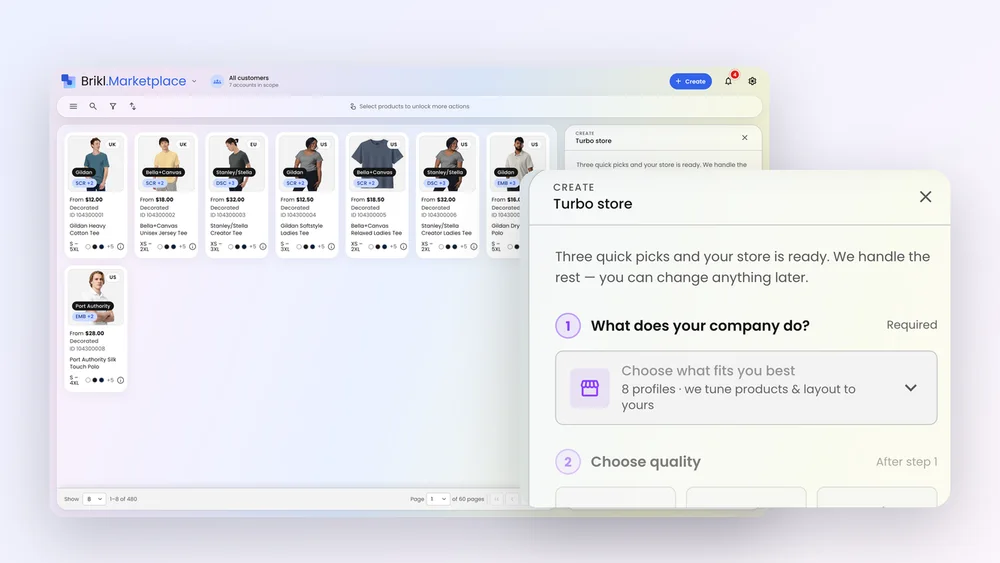
- Choose a company profile. Tell Brikl what the company does, for example a corporate team, a school, a club, or events and conferences. The profile decides which kind of products make sense.
- Choose a quality tier. Value gives the sharpest prices, Everyday gives balanced picks and Premium uses top-shelf brands. The tier chooses the products, not your margin.
- Upload a logo. A PNG or SVG is enough. Brikl converts it to production-ready artwork automatically.
From those inputs, Brikl builds four things: a catalog matched to the profile and tier, one pricing rule applied across that catalog (your markup), the logo placed on every product and sized for each item's decoration method, and a storefront on its own URL.
The products come from Brikl's marketplace of more than 8,000 decorated products from 190+ wholesale brands. "Stocked" here does not mean you hold inventory. Items are made on demand, sold as eaches, with no minimum order quantity.
Building a store by hand versus with Turbo Store
| Step | Manual store build | Turbo Store |
|---|---|---|
| Product selection | Picked one by one | Catalog matched to profile and tier |
| Pricing | Set per product | One pricing rule across the catalog |
| Logo placement | Placed and sized per item | Placed on every product, sized per decoration method |
| Artwork | Often waits on a digitizer | PNG or SVG converted automatically |
| Time to a live storefront | About eleven hours (Brikl's figure) | About ten seconds |
Can you change a Turbo Store after it is built?
Yes. Every Brikl Turbo Store opens in the Store Editor, where everything stays editable.
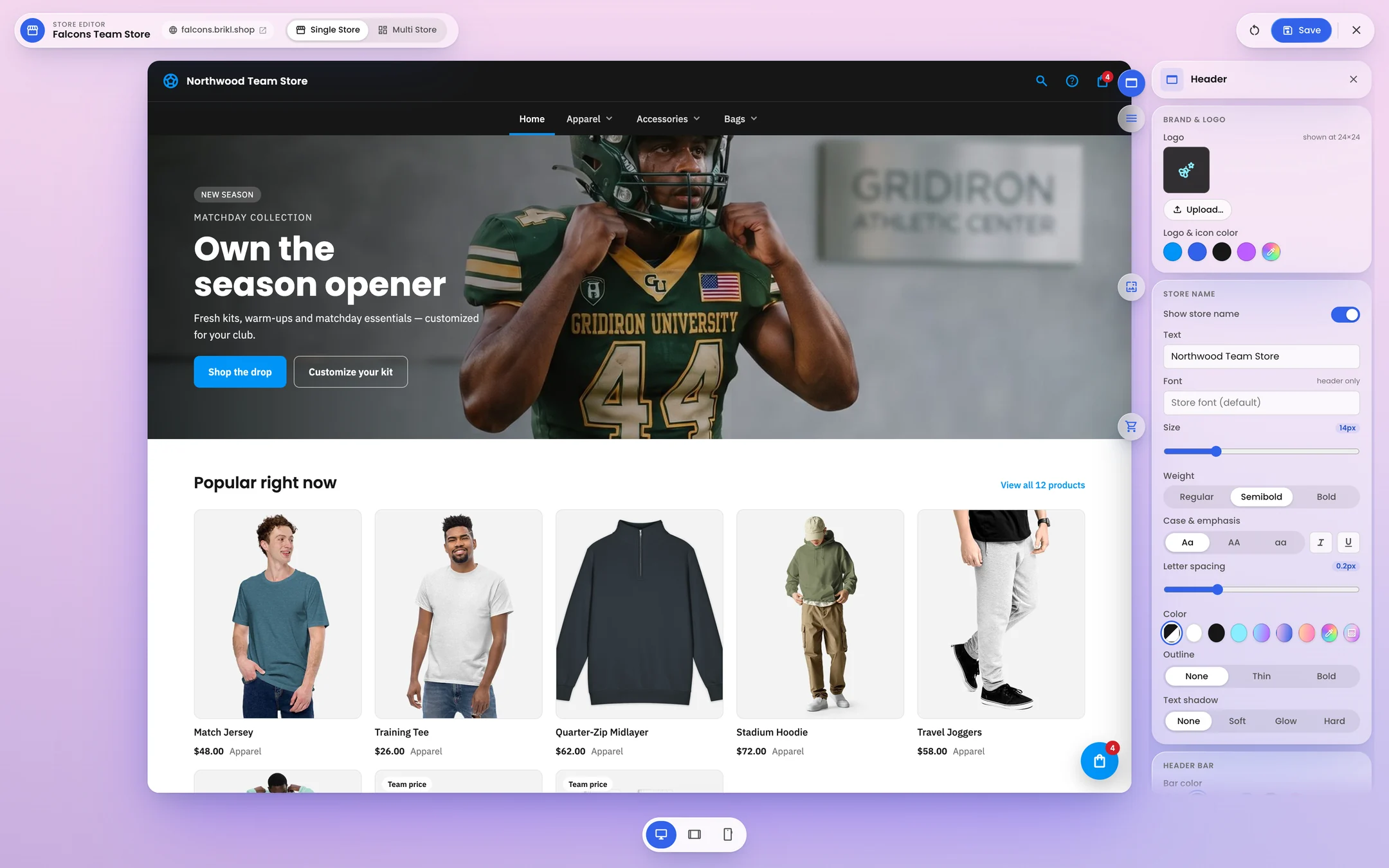
You can add or remove products, change the pricing rule, swap the template, colors and copy, and connect the client's own domain. In the Store Editor you click a marker on the live storefront to edit that section, and changes are held until you save. You can preview the store on desktop, tablet and phone without a developer.
This is the right way to think about the ten seconds. Turbo Store does not replace your judgment about what a client should sell. It removes the blank page, so your time goes into the decisions that matter for that account instead of the setup work that is the same for every account.
Why does ten seconds matter commercially?
Because it changes who gets a store. When a store is nearly free to create, it stops being a reward for big accounts and becomes the default.
Consider a hypothetical rep with 20 small and mid-sized accounts. At eleven hours per store, giving each one a store would cost about 220 hours of setup. Nobody does that, so those accounts stay on spreadsheets and occasional bulk orders. At ten seconds per store, the same rep can build one for every account in a single afternoon and spend the rest of the time on the conversations.
The same logic applies to the long tail: the small client who orders twice a year, the local club, the department inside a larger customer. Each of them can now have its own store, with its own URL, branding and catalog.
Why the cost of a store matters
On Brikl's Launch plan you pay 3.5% per transaction, with no setup fee, no monthly subscription and no per-store or per-seat charge. Stores are unlimited. A store that sells nothing costs you nothing, so the only real cost of a new store was the setup time. Turbo Store takes that cost down to about ten seconds.
How can a rep use Turbo Store in a prospect meeting?
Build the store before the meeting, or during it, and show the prospect their own branded storefront instead of a catalog.
Take a hypothetical regional accounting firm with three offices. Before the call, the rep picks "corporate team" as the profile, Everyday as the tier and uploads the firm's logo from its website. Ten seconds later there is a storefront with the firm's logo on every product, priced with the rep's markup. In the meeting, the conversation moves from "what could we do?" to "what would you change?"
If the prospect says yes, the store is already built. If they say not yet, you have spent seconds, not a day.
Where does Turbo Store fit in Brikl v3.0?
Turbo Store is one of the four headline features of Brikl v3.0, next to Order Builder, instant digitization and the Store Editor.
Together they put on-demand stores and bulk orders on one platform, with one catalog and one login. A store built with Turbo Store shares its catalog and artwork with any bulk order you later place for the same client. You can see what is new in Brikl v3.0.
Build your first store in about ten seconds
Pick a company profile, a tier and a logo, and see a priced storefront for a real client. There is no setup fee and no subscription.
Frequently asked questions
What file format does Turbo Store need for the logo?
Turbo Store accepts a logo as a PNG or SVG file. Brikl converts it to production-ready artwork automatically, so the store does not wait on a separate digitizing step. The logo is placed on every product in the generated catalog and sized for each item's decoration method, such as embroidery or direct-to-garment printing. Everything in the generated store stays editable afterward in the Store Editor.
Does a Turbo Store cost extra?
No. On Brikl's Launch plan there is no setup fee, no monthly subscription and no per-store charge, and stores are unlimited. Brikl charges 3.5% per transaction, with payment processing billed separately by Stripe. A store generated with Turbo Store that never takes an order costs nothing. See Brikl pricing for distributors for the full breakdown.
Do I need to hold inventory for a Turbo Store?
No. Products in a Turbo Store come from Brikl's marketplace and are made on demand when someone orders. There is no minimum order quantity and items are sold as eaches. Orders route automatically to a fulfillment partner based on the product and decoration method, and tracking numbers appear in the Brikl dashboard.
Can a Turbo Store use the client's own web address?
Yes. Each store gets its own URL, and you can connect a custom domain with a CNAME record. HTTPS is set up automatically, and DNS propagation can take between 1 and 72 hours. One domain serves one store, so a client with several stores would use a separate domain or subdomain for each one.
Can a Turbo Store be private to one company?
Yes. A Brikl store can be public, private to people you invite, or gated behind a sign-in. That makes a generated store suitable for an internal company store as well as a public club or event shop. You can also run it always-on or as a pop-up store with a fixed date window for orders.
More from the blog
Product
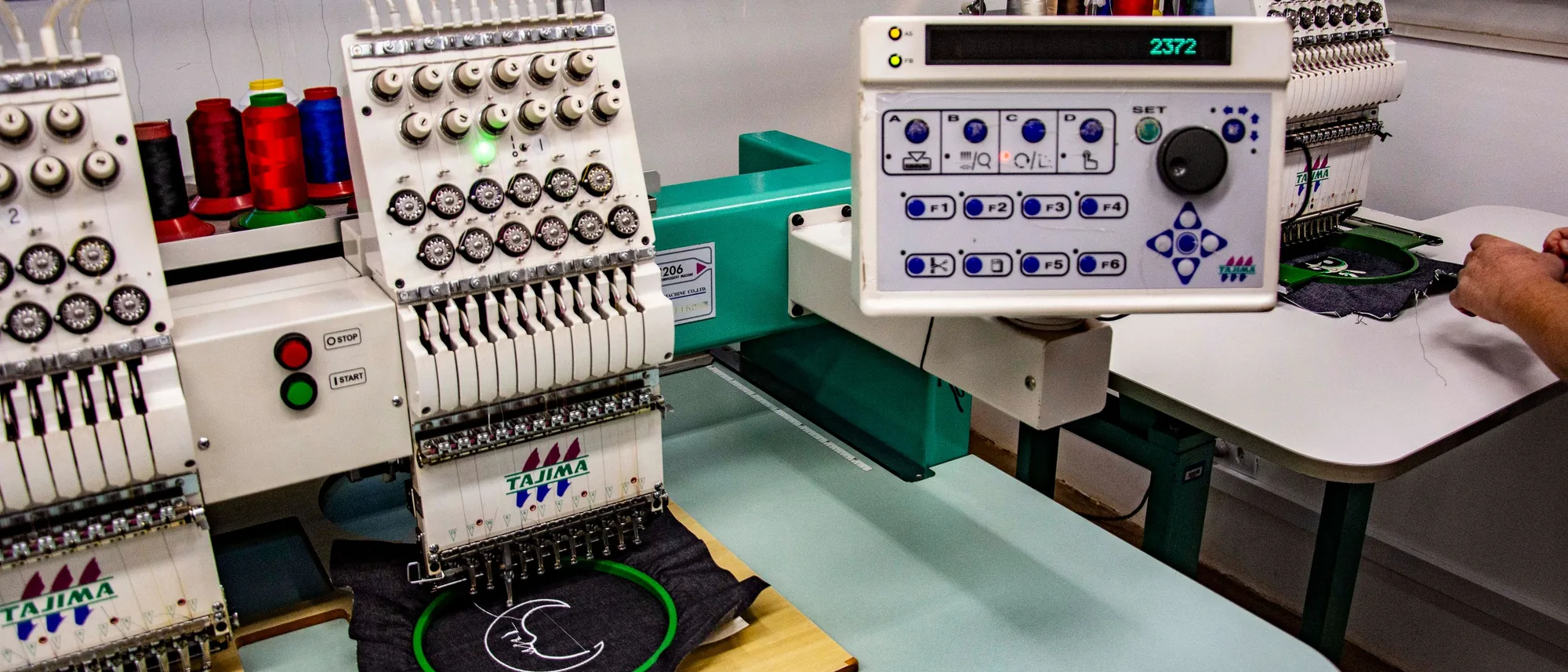
Upload a PNG, Get a DST: Why Digitization Stalls First Orders
The single most common place a first order dies is waiting on someone to digitize the logo. Instant digitization removes the cost line and the delay.

Product
Bulk Ordering on On-Demand Rails: How Order Builder Works
Bulk orders don't have to mean pre-buying inventory and fronting a full production run. Order Builder keeps the bulk workflow and puts it on on-demand pricing.
Industry
We Standardized the Catalog. Now We Need to Standardize the Order.
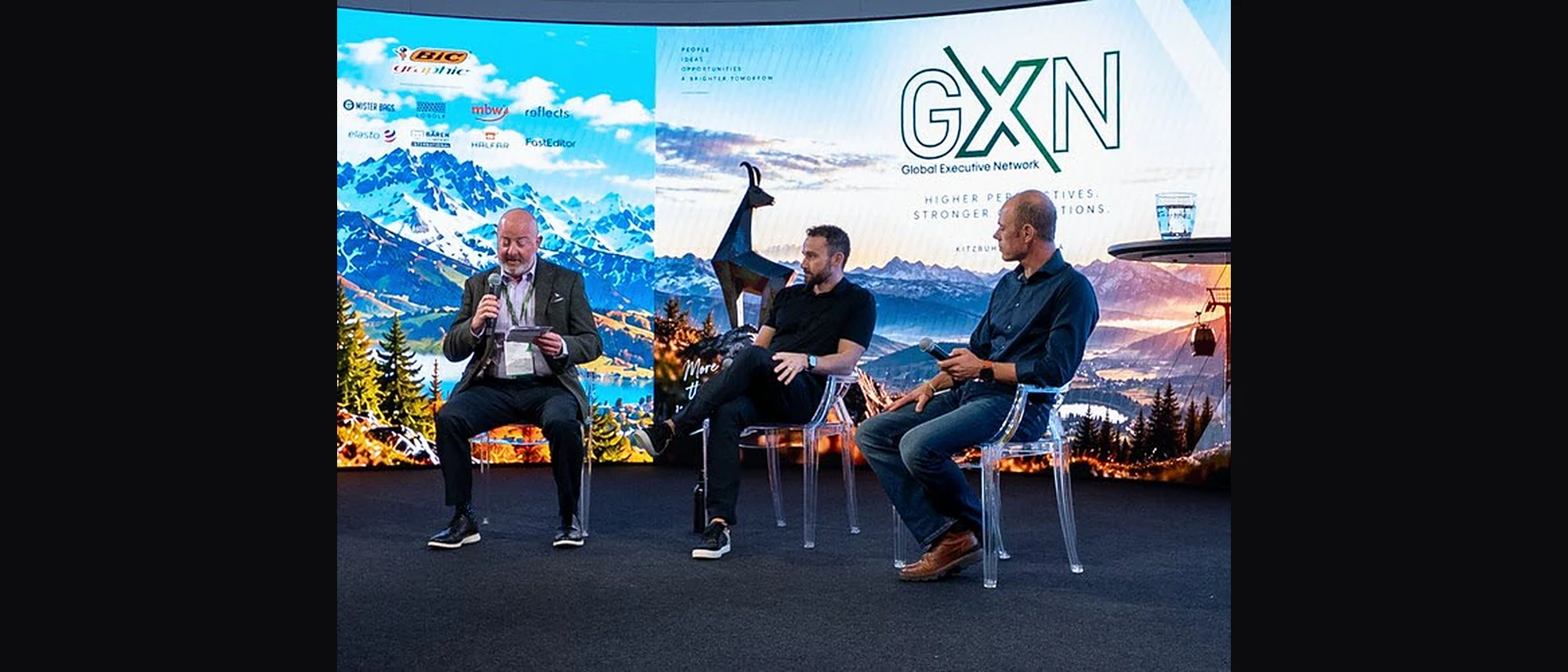
Supplier feeds carry the style, the color and the price. The decoration half of the order still arrives by email, one order at a time. At GXN in Kitzbühel, we talked about who fills that gap, and what it would take to close it.