



BlogProduct
From MicroStore to Turbo Store: Why We Rebuilt How a Store Gets Made
Published: Last updated:
In 2022, Brikl called itself the MicroStore platform. Four years and a complete platform rebuild later, the question is no longer how small a store can be, but how fast it can exist.
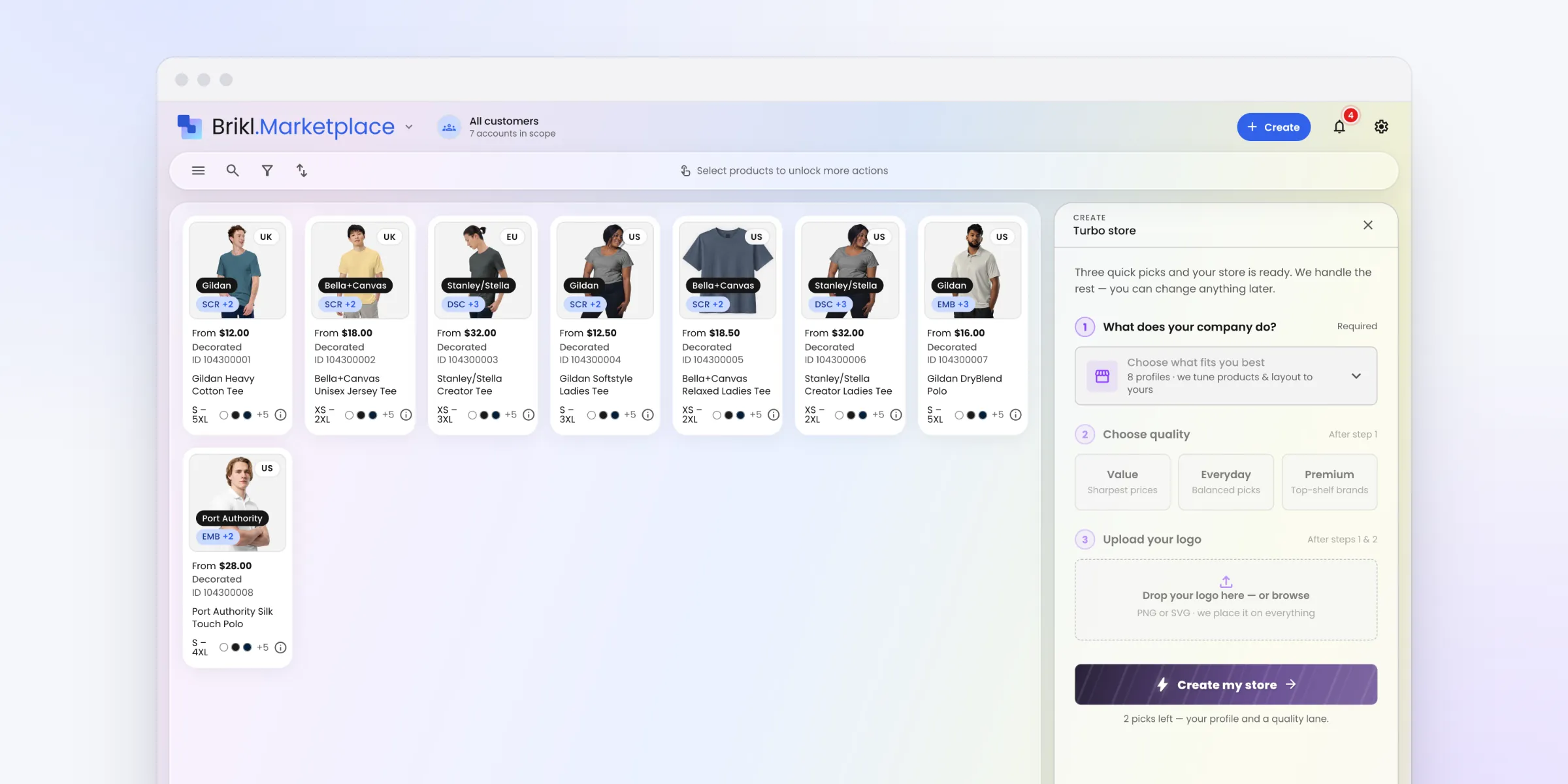
In 2022, Brikl called itself the MicroStore platform, and we bought MicroStores.com to put the term on the map. Four years and a complete platform rebuild later, the question is no longer how small a store can be, but how fast it can exist. With Brikl v3.0, Turbo Store builds a stocked, branded, priced store in about ten seconds.
In short:
- What it is: Turbo Store is a Brikl v3.0 feature that builds a stocked, branded, priced online store in about ten seconds.
- How it works: you pick what the company does, a quality tier and a logo. Brikl picks the products, digitizes the artwork, applies pricing and publishes the store.
- What it costs: no setup fee, no subscription and no per-store charge. Brikl takes 3.5% per transaction.
- What it changes: distributors can pitch with a live store instead of a deck, and serve clients too small for a hand-built store.
The problem with single-client stores
When we started building store software for the promotional products industry, distributors kept describing the same problem. They wanted to give one client, one team or one employee program its own online store. Every platform on the market turned that into a web project.
Our answer was the MicroStore: a small, dedicated store for a single client. Single-client stores became one of the most profitable ways for a distributor to grow, and the MicroStore became the center of how we talked about Brikl.
From MicroStore to an on-demand platform
The road to Turbo Store ran through four steps:
- March 2022: the MicroStore platform. We relaunched the Brikl brand around MicroStores, with a promise that a distributor could set up a store in under 15 minutes instead of hours.
- May 2022: MicroStores.com. We acquired the MicroStores.com domain and announced it on PR Newswire, to make the term known across the custom and promotional products industry.
- November 2023: on demand, announced. We announced on-demand company stores that would route each order to a decoration partner, such as Fulfill Engine, so it is made and shipped one at a time, with no inventory.
- April 2024 to 2026: on demand, live. We rebuilt Brikl from the ground up as a platform that is 100% on demand: v1 launched in April 2024, v2 in 2025 and v3.0 in December 2026, with Turbo Store, Order Builder, instant digitization and Brikl for AI.
Each step removed work from the distributor. The MicroStore cut a web project down to a store. On demand removed inventory and production. But one thing stayed: someone still had to build each store. Fifteen minutes is fast for a web project, and slow when you want a store for every client.
The size of the store was never the real constraint. The setup was.
How long does it take to set up a company store?
With Turbo Store, about ten seconds. Built by hand, even a small store takes anywhere from fifteen minutes to an afternoon, because it asks for a stack of decisions:
- which products go in
- what each one costs the buyer
- artwork prepared and placed, item by item
- a storefront built around it all
None of those steps is hard. Together, they turn a store into a working session instead of something you do between two calls. That is why smaller clients often never got a store, and why most pitches still went out as a PDF.
With Brikl v3.0, we went after that setup time directly.
What is a Turbo Store?
A Turbo Store is a stocked, branded, correctly priced online store that Brikl builds in about ten seconds. It draws on the same marketplace of 8,000+ products from 190+ brands at wholesale cost, and it comes out as an ordinary Brikl store that you can edit like any other. See the Turbo Store feature page for details, or our company store guide for how company stores work end to end.
How to build a Turbo Store in three steps
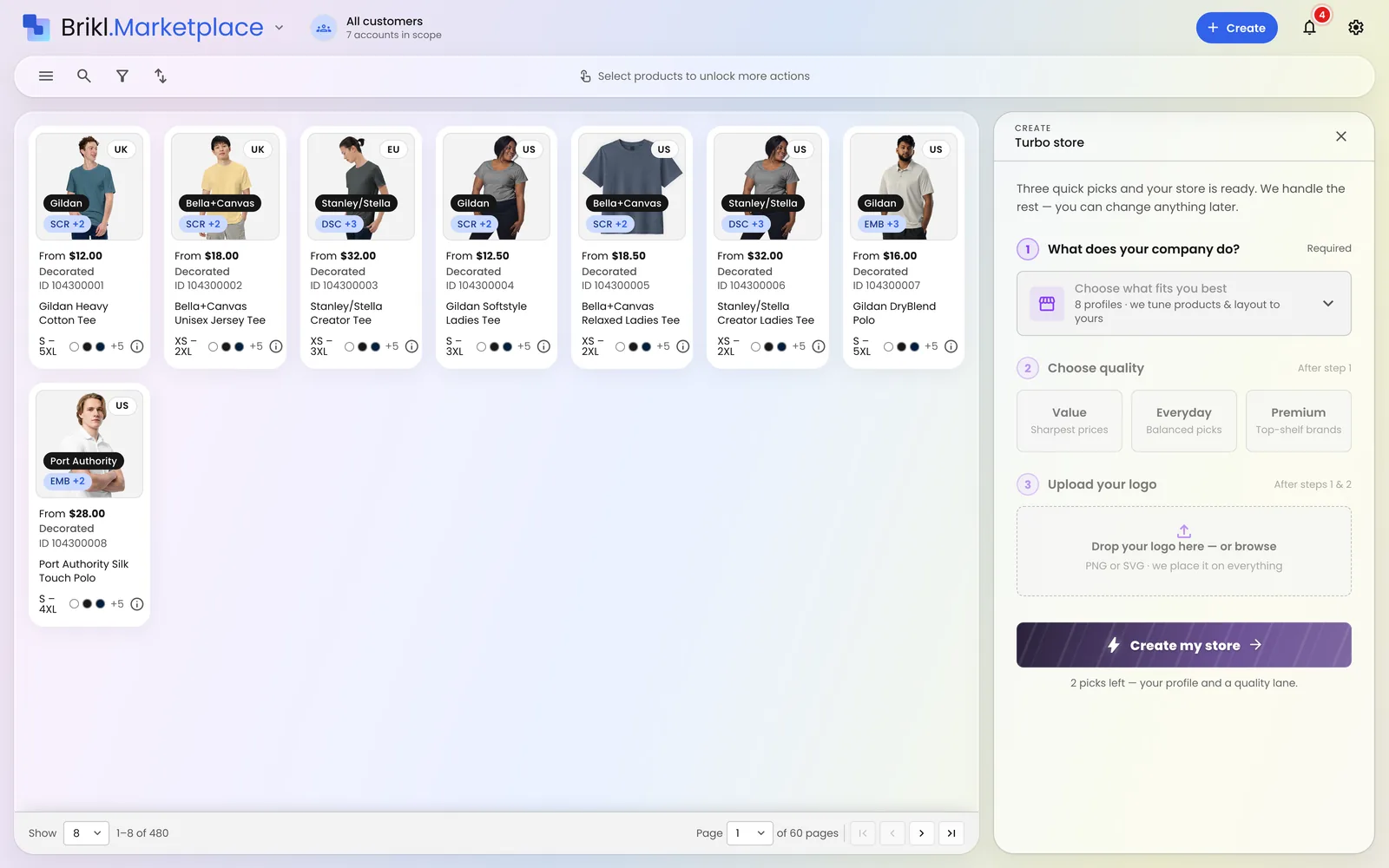
- Choose what the company does. A corporate team, a school, a club or an events program. This choice decides which products go in, how the storefront is laid out and what the copy says.
- Choose a quality tier. Value, Everyday or Premium. Products come from the Brikl marketplace at wholesale cost.
- Upload the logo. A PNG file. Instant digitization turns it into production-ready artwork and places it on every product, sized for each decoration method.
Brikl then applies one pricing rule across the catalog, with a default markup of 50%, and publishes the storefront on its own URL, ready to take orders.
Turbo Store decides where you start, not where you end up. Afterwards, you can add or remove products, change the markup, swap the template, connect your own domain, or turn on personalization, coupons or a fundraising set-aside.
MicroStore was about size. Turbo Store is about speed.
| MicroStore (2022) | Turbo Store (2026) | |
|---|---|---|
| What it solved | A web project for every client store | The setup time for every store |
| Setup time | Under 15 minutes | About ten seconds |
| Who builds the store | The distributor, product by product | Brikl, from three picks |
| Artwork | Prepared and placed item by item | Instant digitization places the logo on every product |
| Pricing | Set item by item | One pricing rule across the catalog (50% markup by default, editable) |
| Platform | Brikl's original platform | Brikl v3.0, 100% on demand |
Turbo Store does not replace the stores distributors already run. Print-on-demand, pop-up, redemption and always-on company stores are all still there, and you can also set stores up from your AI assistant with Brikl for AI. Turbo Store is simply the fastest way to start one.
What changes is how you sell:
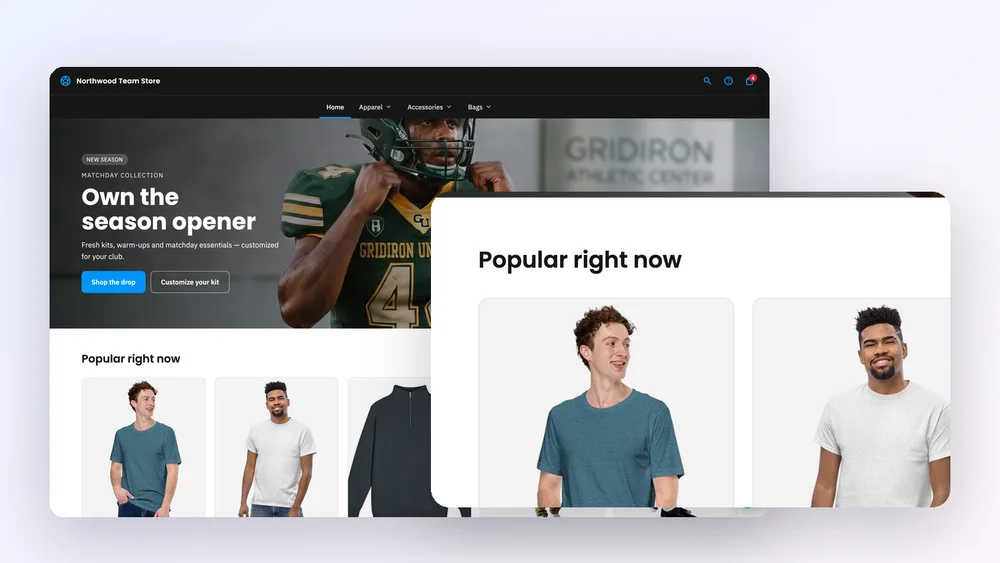
- Pitch with a live store, not a deck. Build the prospect's store before the meeting, or during it, and send the link: their logo, real products, real prices.
- Say yes to smaller clients. When a store takes ten seconds instead of an afternoon, a 15-person office or a youth club is worth a store too.
- Skip the artwork queue. No digitizing bill and no proof cycle with a supplier before a store can go live.
What happens after the store is live?
A fast store only helps if the back office keeps up. Every Turbo Store runs on the same rails as any other Brikl store:
- Production on demand. Each order routes to one of our 12 fulfillment partners, such as Printful Enterprise, Taylor OnDemand or Fulfill Engine, with the artwork attached. It is decorated and shipped straight to the buyer, typically within 7–10 business days. No inventory, no minimums.
- Payments and tax handled. On the Launch plan, Brikl acts as Merchant of Record. We take the payment, handle US sales tax and pay out your net margin.
- Nothing up front. No setup fee, no subscription, no per-store charge. Brikl takes 3.5% per transaction, so a store costs nothing until it sells. See pricing.
When the same client needs a bulk run for an event or an onboarding kit, Order Builder places that order with production from the same account, with your margin visible as you build it.
Built for scale, one store at a time
The MicroStore proved that single-client stores work. What held distributors back was the hours each one took. Brikl is built for scale: unlimited stores and organizations on every plan, and now a store build that takes less time than the email announcing it.
We are proud of the MicroStore. Turbo Store is what lets you build a hundred of them.
See one build
Start free, make three picks and watch a store go live, or book a walkthrough with our team.
Start free · Book a walkthrough · Learn more about Turbo Store
Frequently asked questions
How long does it take to set up a company store?
With Brikl's Turbo Store, about ten seconds. You make three picks (what the company does, a quality tier and a logo), and Brikl builds and publishes the store.
What does a Turbo Store cost?
Nothing up front. There is no setup fee, subscription or per-store charge. Brikl takes 3.5% per transaction, so a store costs nothing until it sells.
Do I need production-ready artwork?
No. Upload your logo as a PNG, and instant digitization turns it into production-ready artwork for each decoration method.
Can I change a Turbo Store after it is built?
Yes. A Turbo Store is an ordinary Brikl store. You can change products, markup, template, domain, personalization, coupons and fundraising settings at any time.
How is a Turbo Store different from a MicroStore?
A MicroStore is a small store for one client; the idea is about size. A Turbo Store is about speed: Brikl builds the whole store, stocked and priced, in about ten seconds.
Who produces and ships the orders?
Each order goes to one of Brikl's 12 fulfillment partners, which decorates it and ships it straight to the buyer. You hold no inventory.
More from the blog
Product
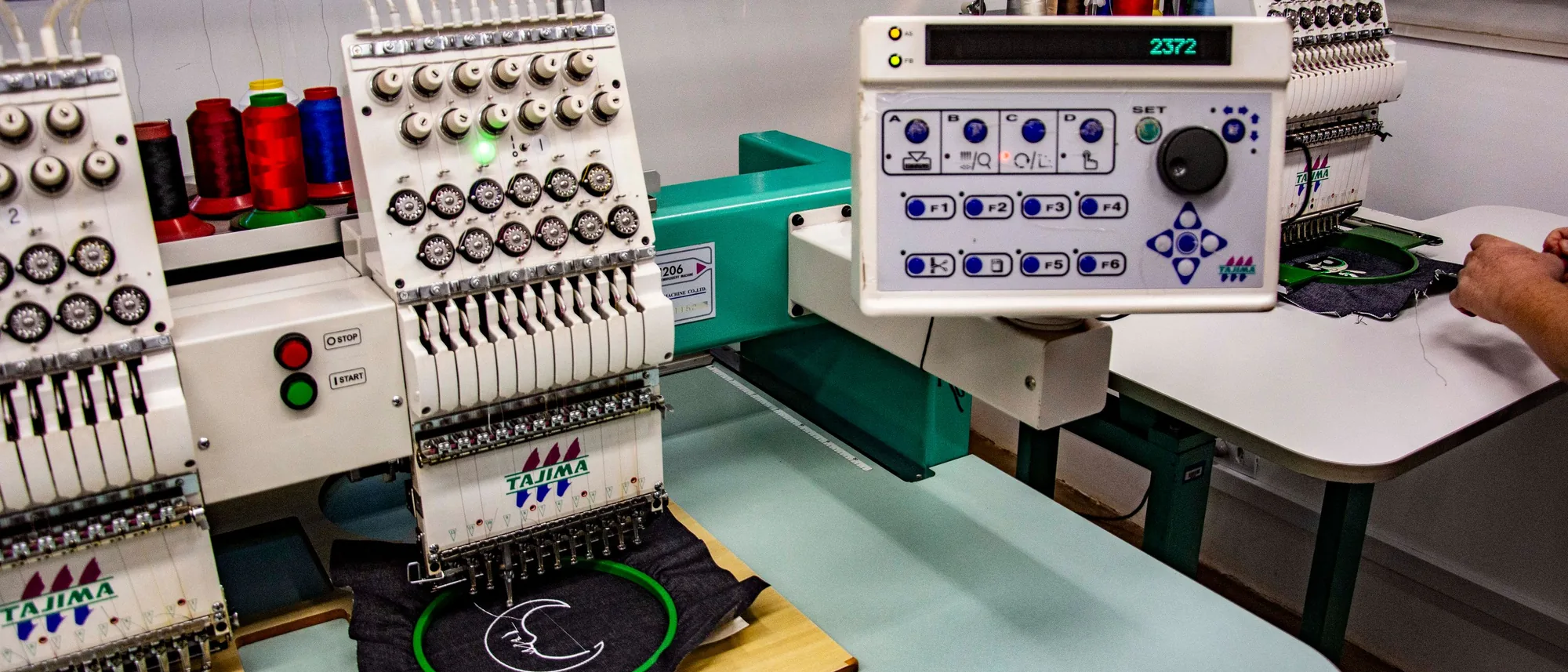
Upload a PNG, Get a DST: Why Digitization Stalls First Orders
The single most common place a first order dies is waiting on someone to digitize the logo. Instant digitization removes the cost line and the delay.

Product
Bulk Ordering on On-Demand Rails: How Order Builder Works
Bulk orders don't have to mean pre-buying inventory and fronting a full production run. Order Builder keeps the bulk workflow and puts it on on-demand pricing.
Product
A Store in Ten Seconds: What Turbo Store Changes
When a store took eleven hours to build, only the biggest accounts got one. Turbo Store changes the math, and with it, who gets a store at all.