



Store Type
Rewards & Incentive Stores
A rewards store is a branded store where employees, channel partners or customers redeem points, store credit or gift cards for merchandise. Brikl produces what they redeem on demand, so there is no inventory to pre-buy.
What is a Rewards or Incentive Store?
A rewards or incentive store is a branded storefront where people spend a balance — points, store credit, or a gift card — on merchandise instead of paying cash. You issue balances for recognition, sales incentives, or loyalty, and recipients redeem them against orders at checkout.
Brikl’s Wallet powers the balances. Every item is produced on demand when it’s redeemed, so there’s no inventory to pre-buy and nothing left over when a program ends. You set the catalog, load the balances, and the platform tracks what’s issued, redeemed, and outstanding.
What your store looks like
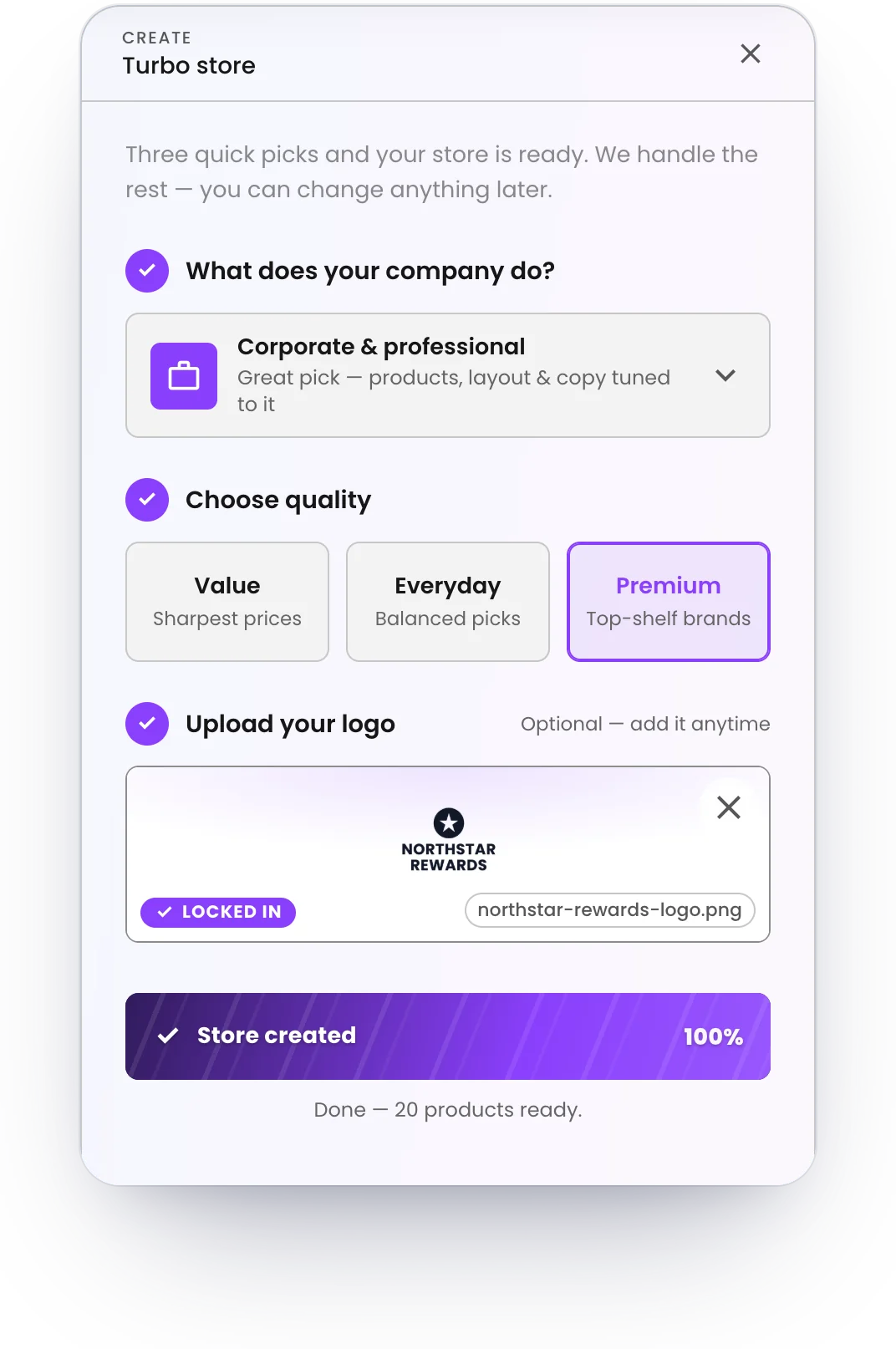
A branded storefront on your own web address, live in ten seconds with Turbo Store. Your logo, your colors, your products — and every order produced on demand and shipped to the buyer.
See live store examples →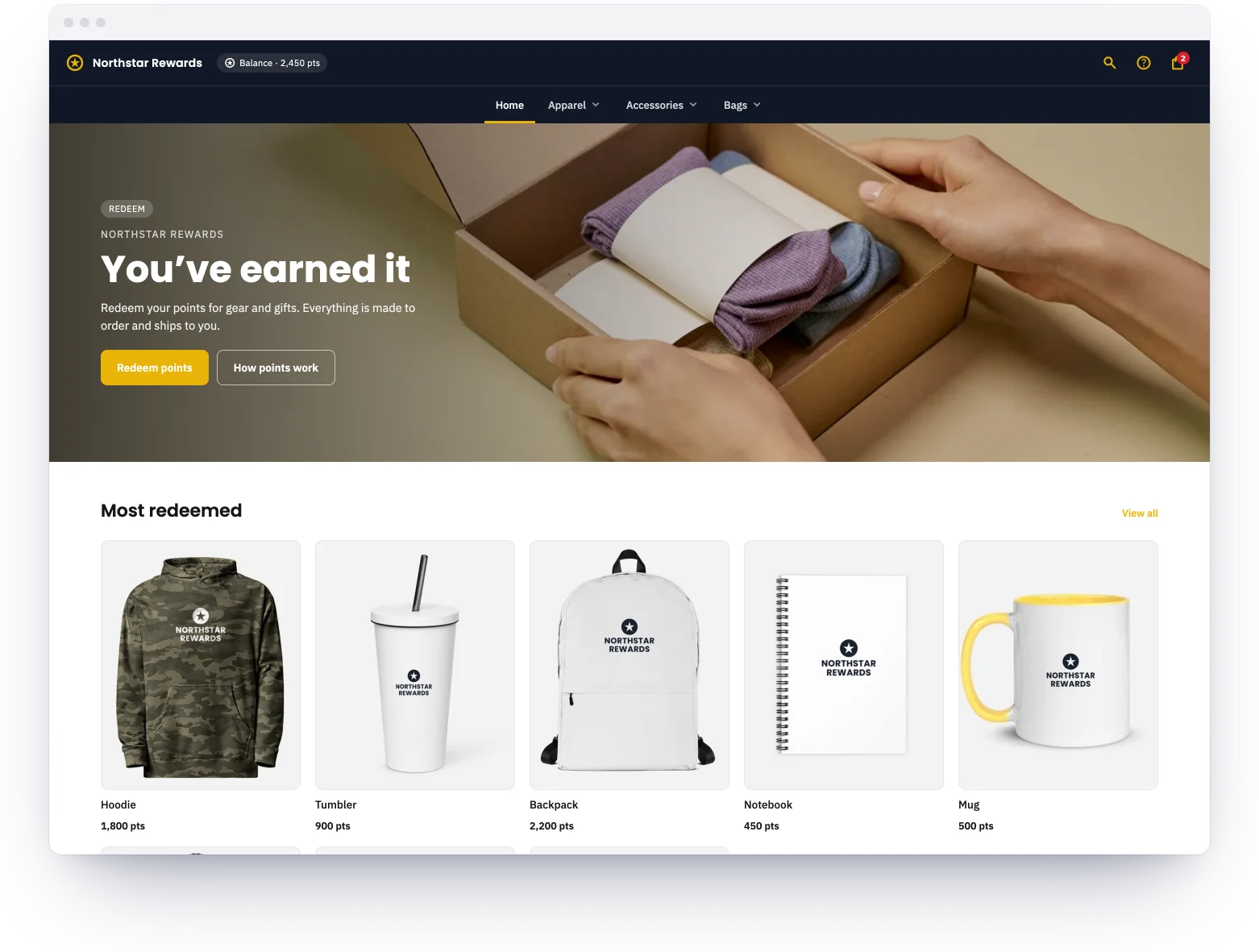
Why Rewards Stores Work on Brikl
Wallet-Powered Checkout
Issue store credit or gift-card balances and let recipients redeem them at checkout. Balances are tracked and applied automatically.
No Inventory to Pre-Buy
Every reward is produced on demand when it's redeemed — no warehousing, no leftover stock when the program ends.
Recipients Choose Their Reward
People pick the merch they actually want from a curated catalog, so rewards get used instead of sitting in a drawer.
Budgets Set Centrally
Load balances per person or group. Spend is capped to exactly what you issue — no surprises.
On-Brand Every Time
Recipients redeem from an approved, correctly-priced catalog, so every reward stays on brand.
Track Every Redemption
See balances issued, redeemed, and outstanding in reports — the whole program in one place.
What you sell
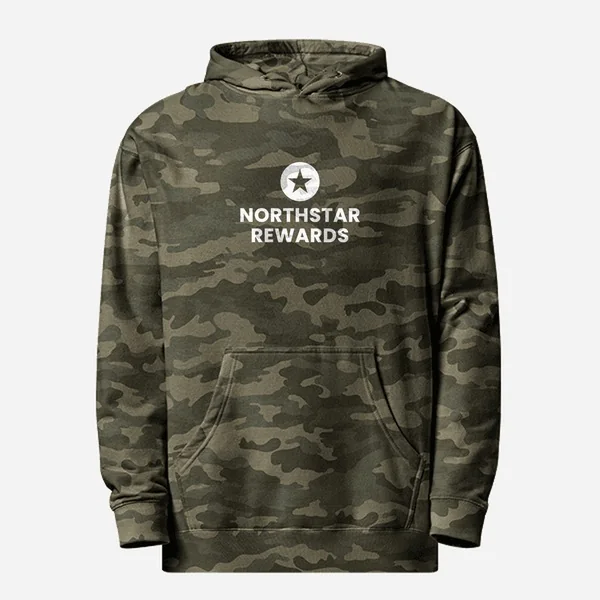
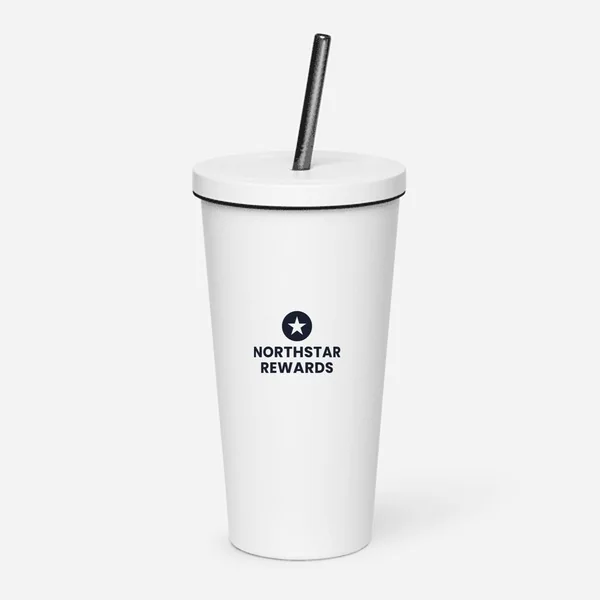
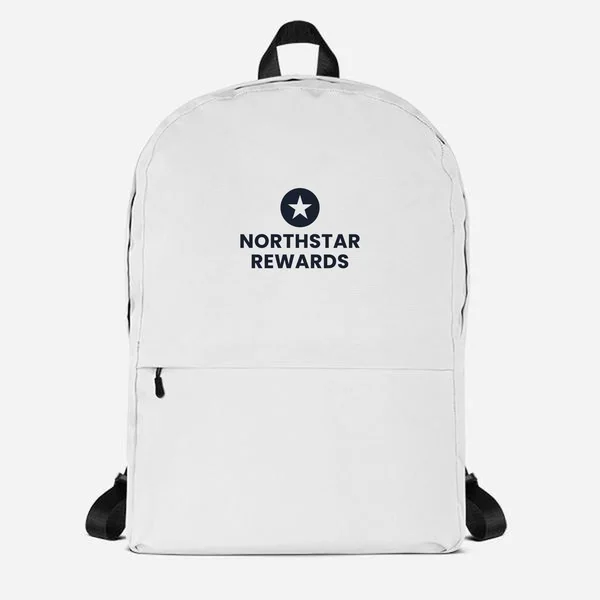
Picks from Brikl’s marketplace of 8,000+ decorated products — all produced on demand.
How they redeem
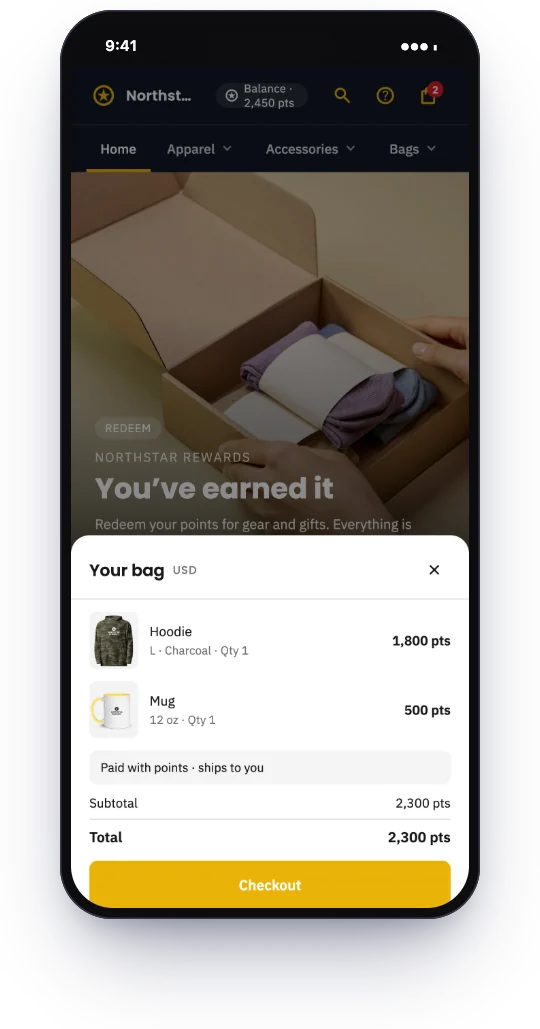
An employee signs in, sees their balance and redeems points for the gear they want. Each redemption is produced on demand and shipped to them, and the balance updates — nobody manages a stockroom of prizes or guesses sizes in advance.
Common Use Cases
- •Employee recognition — award points or credit for milestones and let staff redeem branded merch on demand.
- •Sales incentives & SPIFFs — reward reps for hitting targets with a balance to spend in the store.
- •Channel partner rewards — issue gift-card balances to dealers or partners as program incentives.
- •Customer loyalty — let customers redeem points earned on purchases for branded gear.
Setting it up
Add the logo
Upload it once. Brikl makes it decoration-ready automatically.
Pick the rewards
Hoodies, bottles, bags and notebooks from the marketplace, each priced in points.
Load the points
Issue points to people or teams with Wallet. Balances live in the store.
Share the link
People redeem when they earn. Every redemption is tracked.
When people redeem
Onboarding
A new hire's welcome points, redeemed in their first week for gear in their size.
Quarterly recognition
Points for a target hit, redeemed for the hoodie or the bag — not a catalog picked for them.
Service anniversaries
A larger balance for a milestone year, spent on a jacket or a backpack.
Year-end
Whatever is left, spent on gifts for the holidays.
Features that power this store type
The Brikl capabilities users lean on most for this kind of store.
Launch a rewards store in ten seconds
Pick the catalog, load the balances, share the link. Brikl handles the rest.