



BlogGuide
Self-Service Swag Ordering for Employees
The office manager shouldn't be the swag department. Self-service ordering lets employees get what they need without a request, a form or a bulk buy.
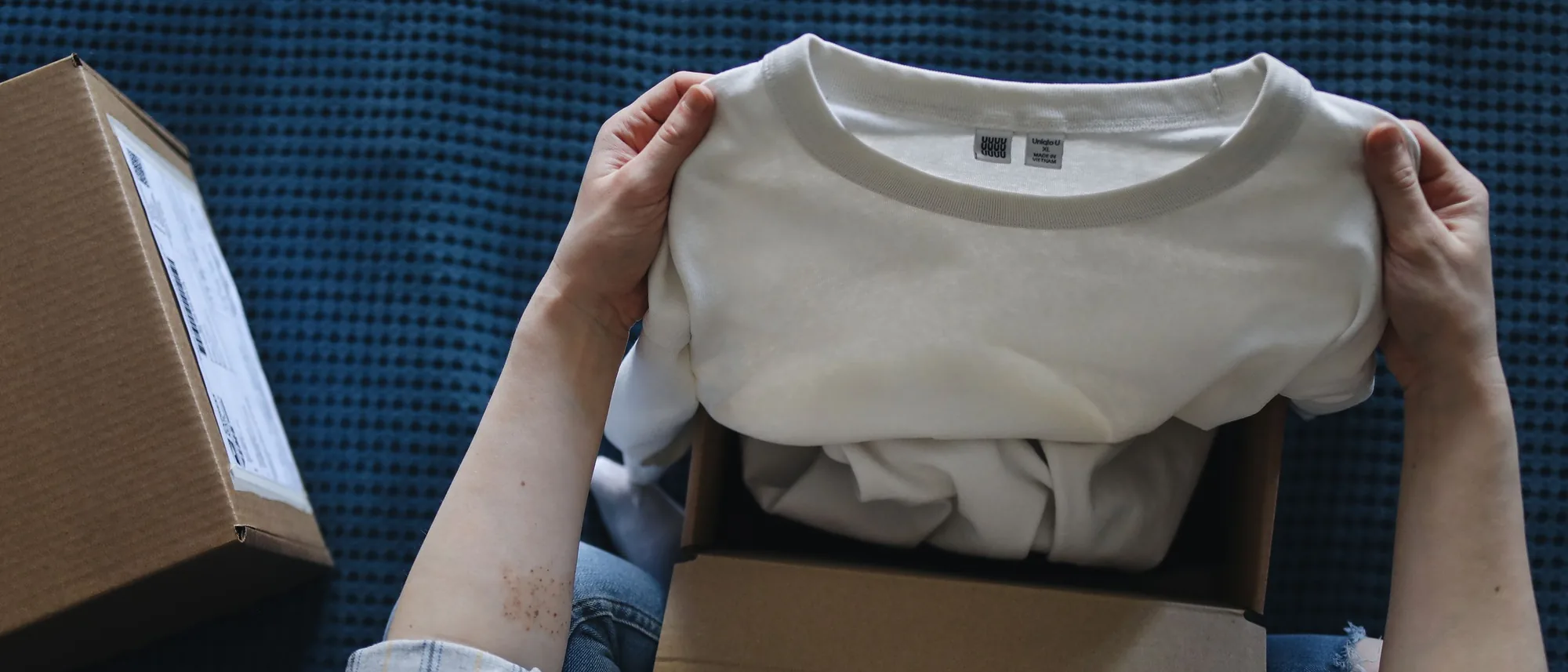
Self-service swag ordering lets employees order their own branded gear on demand, so no one collects sizes, forwards requests or runs a bulk buy. On Brikl, employees open a company store, pick their item and size, and check out. Each order is produced individually from 8,000+ decorated products, with no minimum order quantity, and ships to the office or the employee's home.
In short:
- Self-service swag ordering means employees order their own gear, in their own size, when they need it.
- On Brikl, every self-service order is produced on demand, with no inventory and no minimum order quantity.
- Per-location budgets and optional approval steps on Brikl keep spend in check without manual work.
- The buyer chooses per order whether it ships to an office in a batch or to an employee's home.
- New hires on Brikl order their own kit in their own size, typically in their first week.
What is self-service swag ordering?
Self-service swag ordering is a setup where employees order company gear themselves from a branded store, instead of asking someone to order it for them. The store holds the approved products, the logo and the rules; employees just choose and check out.
It changes who does the work. In most companies, swag runs through one person, often an office, HR or people-ops manager, who collects requests and places orders. With self-service, that person sets up the store once and then manages the rules, not the individual requests.
Why does self-service beat the request model?
Self-service removes the middle step, and with it the delays, the size guessing and the leftover stock.
In the request model, every swag need becomes a ticket. Someone emails the office manager, who checks the closet, orders in bulk when stock runs out, and hands things out. It is slow, it guesses sizes, and it leaves a box of mediums nobody wanted. Size spreadsheets go out of date, and remote employees wait the longest because someone has to mail them a package by hand.
Request model vs self-service swag ordering
| Request model | Self-service on Brikl | |
|---|---|---|
| How an order starts | Email or form to the office manager | Employee checks out in the company store |
| Sizes | Collected in a spreadsheet, often guessed | Each employee picks their own |
| Stock | Bulk buy stored in a closet | None; each order produced on demand |
| Remote employees | Packed and mailed by hand | Shipped straight to their home |
| Spend control | Manual approval of each request | Budgets per location, optional automatic approval routing |
How does self-service ordering work on Brikl?
You publish a branded store, employees open it, choose their item and size, and check out. The order is produced on demand and shipped straight to them.
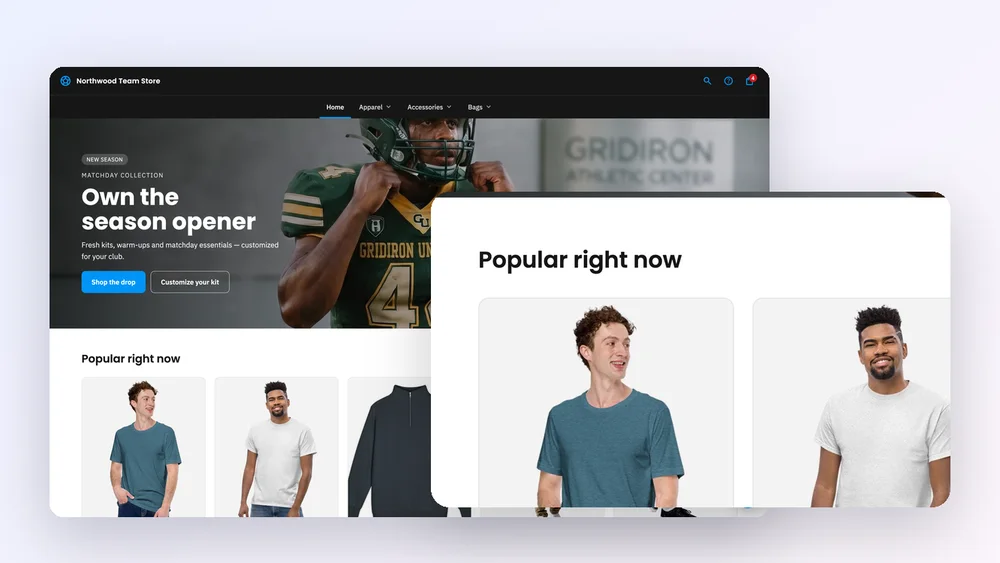
Behind the checkout, each order routes automatically to a decoration partner based on the product and decoration method, and orders that involve several partners are split automatically. Tracking numbers are added to the order on their own. Production takes 2–5 business days for DTG and DTF printing and 3–7 for embroidery, and most domestic orders arrive within 7–10 business days. The company store guide shows what the employee-facing store looks like.
How does self-service handle new hires, events and remote staff?
All three go through the same store, with no separate process and no bulk buy.
Consider a hypothetical 60-person company with three offices and a few remote employees. A new hire in the second office gets the store link with their welcome email and orders their kit, in their size, in their first week. A remote engineer orders the same jacket and has it shipped to their home. For the annual offsite, the company opens a pop-up store with a date window; orders collected in that window go into production after it closes. No one opens the closet once.
For distributors
If you set up company stores for clients, self-service is how one store keeps generating orders without your team keying each one in. Brikl lets you run unlimited stores, each with its own address, catalog and branding, and customer scoping ensures each client sees only their own stores and pricing.
Can we still control spend?
Yes. Add per-location budgets and, where needed, an approval step, so each office spends within its limit and orders route for sign-off automatically.
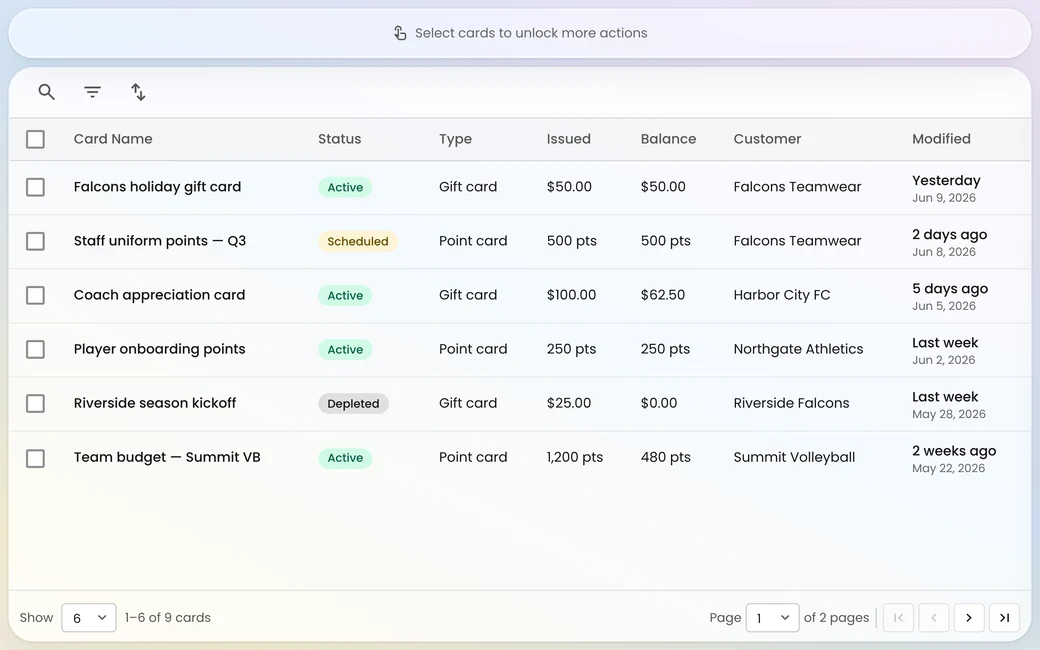
Control moves from the inbox to the store. Instead of approving each request, you set the rules once: a budget for each office, an approval step where one is required, and coupon codes for company-funded items. Coupon codes are live today and cap what each person can spend. Brikl Wallet, which will add gift cards and point cards with a balance and expiry for uses like new-hire budgets and recognition points, is coming soon. Our guide to employee swag across multiple locations covers budgets and approvals in detail.
Does self-service cost more than a bulk buy?
Often not, because you pay only for what employees actually order instead of guessing a quantity up front.
Brikl's illustrative example: a company bulk-buys 100 hoodies at $32 each, or $3,200 up front. Over the year, employees actually need 38. Ordered on demand, those 38 hoodies cost $1,216, and Brikl's 3.5% transaction fee on them is $42.56. The rest of the bulk order would have been unused stock. For a deeper look at when each model fits, read on-demand vs bulk ordering, or see the corporate branded stores page.
What changes for the office manager?
The office manager stops being the swag department and becomes the person who sets the rules.
Their work shifts to choosing the product range, setting budgets and refreshing the store with seasonal drops. Brikl's roles let you split that work: default roles include Owner, Administrator, Merchandiser, Operations, Finance and Viewer, and each section of the dashboard can be switched on or off per role, so each person sees what their job needs. Order tracking sits in one dashboard rather than across email threads.
How do you get started with self-service ordering?
Build one company store, keep the range to 30–50 items, set budgets per location, and announce it to employees.
Brikl recommends a curated range over a large catalog, because employees order more from a focused store. For the full setup, including visibility settings and a pre-launch checklist, follow our guide to setting up an internal company store step by step.
Let employees order their own swag
Open a company store on Brikl with no inventory, no setup fee and no request forms.
Frequently asked questions
Can only employees access a self-service swag store?
Yes, if you set it up that way. A Brikl company store can be public, private to people you invite, or gated behind a sign-in, and it can be published to a private or unlisted address. For an employee store, private or sign-in access keeps the public from browsing or ordering company gear.
Is there a minimum order for employee swag on Brikl?
No. Brikl has no minimum order quantity and sells products as single items. Each order is produced on demand and routed to a decoration partner, so an employee can order one T-shirt and it gets made and shipped. This is what makes self-service ordering practical, since orders arrive one at a time rather than in batches.
Can an employee exchange an item for a different size?
No. Every item on Brikl is made to order, so it cannot be returned for a different size, color or a change of mind. Damaged or defective items are replaced for free if reported within 7 days with a photo. Orders can be cancelled only before production starts, so employees should double-check their size before checking out.
Can employees in other countries order from the same store?
Yes. Brikl ships internationally, and one company store can serve employees across offices and countries. International shipping runs through Printful Enterprise, with rates based on weight and destination. Brikl supports 17 currencies, and each order can ship to an office or straight to the employee's home.
Who handles payment and sales tax for employee orders?
On Brikl's Launch plan, Brikl acts as Merchant of Record. It collects payment through Stripe, calculates, collects and remits sales tax, and handles chargebacks. Launch costs 3.5% per transaction with no setup fee or monthly subscription; payment processing is separate at 2.9% + $0.30 in the US.
Can employees personalize their swag?
Yes. A Brikl store can offer personalization at checkout, letting employees add a name, number or custom text. They see a live preview before ordering, and the store sets a character limit so the text fits the decoration area. It suits team jackets, event shirts and name-embroidered workwear.
More from the blog

Guide
Setting Up an Internal Company Store, Step by Step
An internal company store lets employees order their own branded gear on demand. Here is the setup, start to finish, with no inventory and no developers.
Guide
What Does an Employee Swag Store Cost, and How Long Does Setup Take?
An employee swag store shouldn't need a budget line or a project plan. Here's what it costs to run one on demand, what you don't pay for, and how fast it goes live.

Guide
How Creators and Influencers Earn From a Branded Merch Store
Your audience already wants to represent you. A branded merch store turns that into revenue — with no inventory, your own margin on every sale, and coupons to launch the drop.